
USB Powered RGB Nixie Tube Clock with IPS Color Screen, Corded Electric Aluminum Oval Alarm Clock with Charging Port, Metal Fram
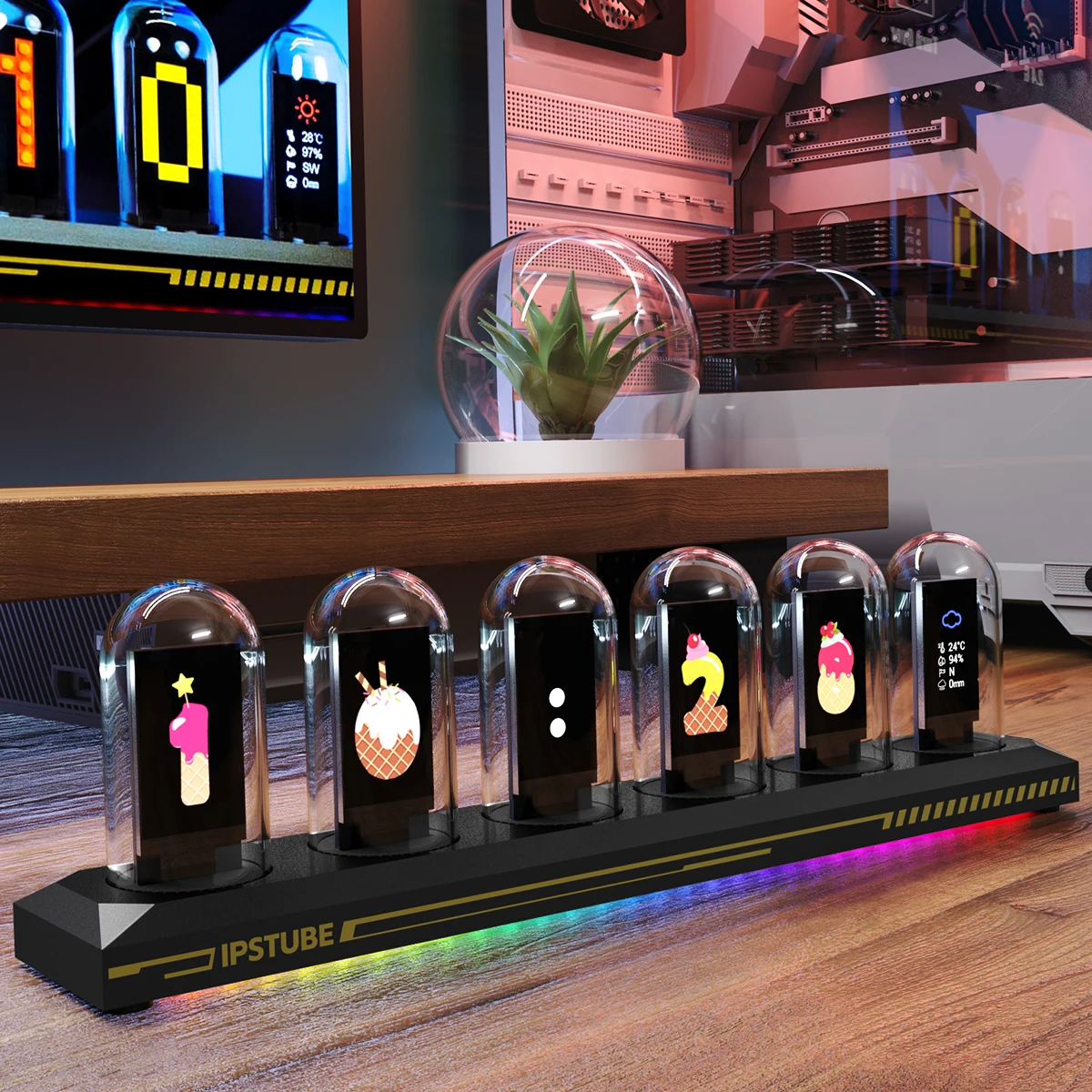
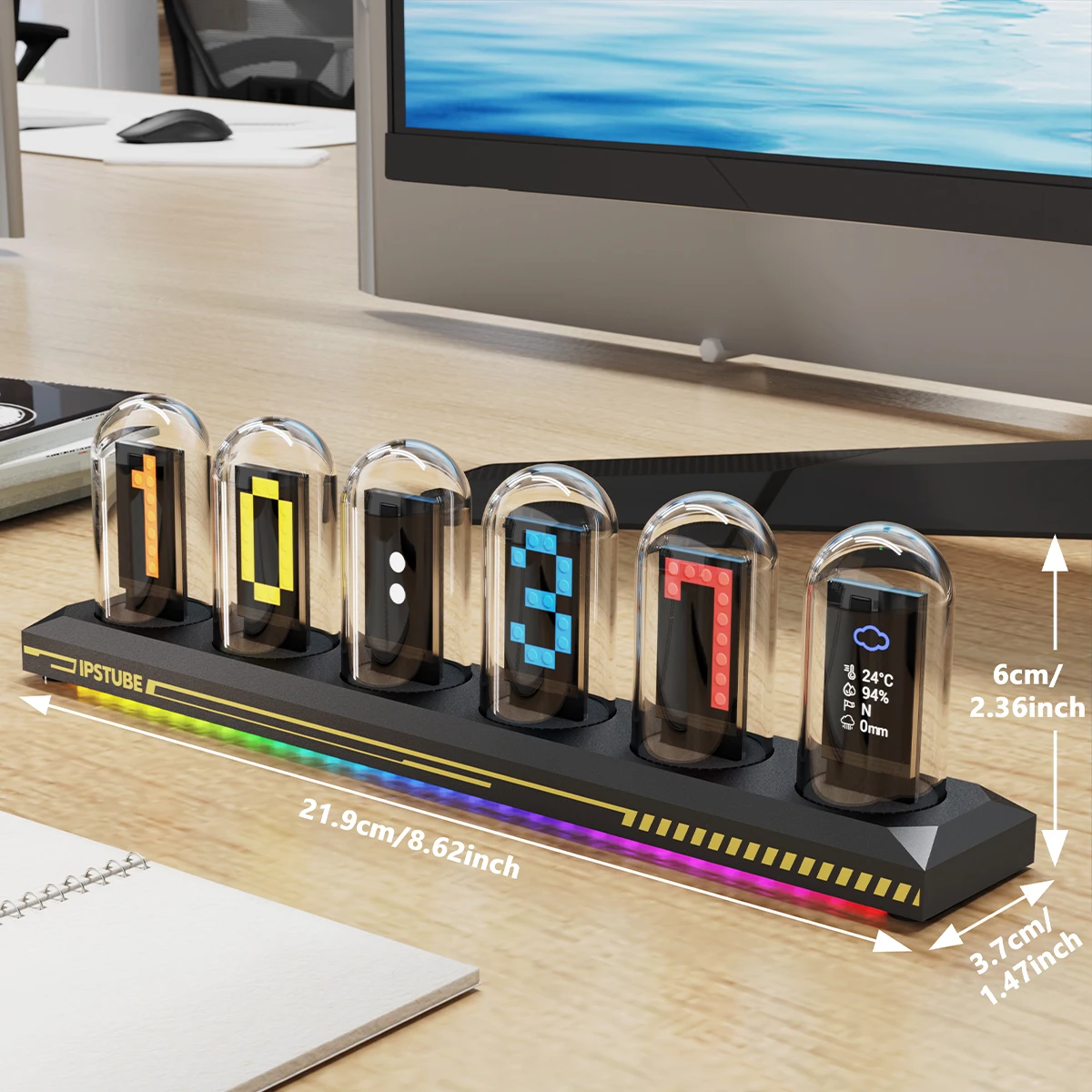
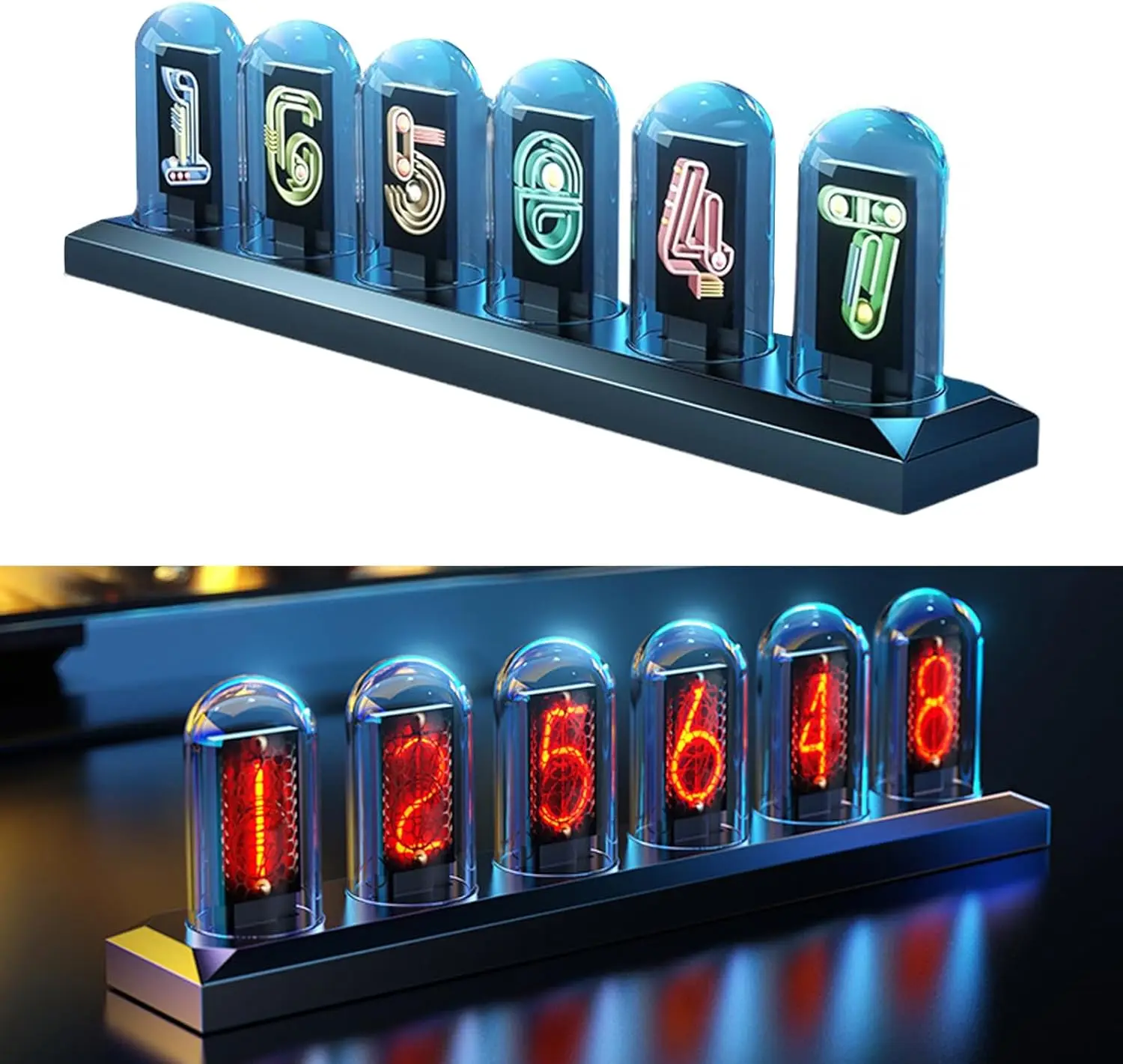
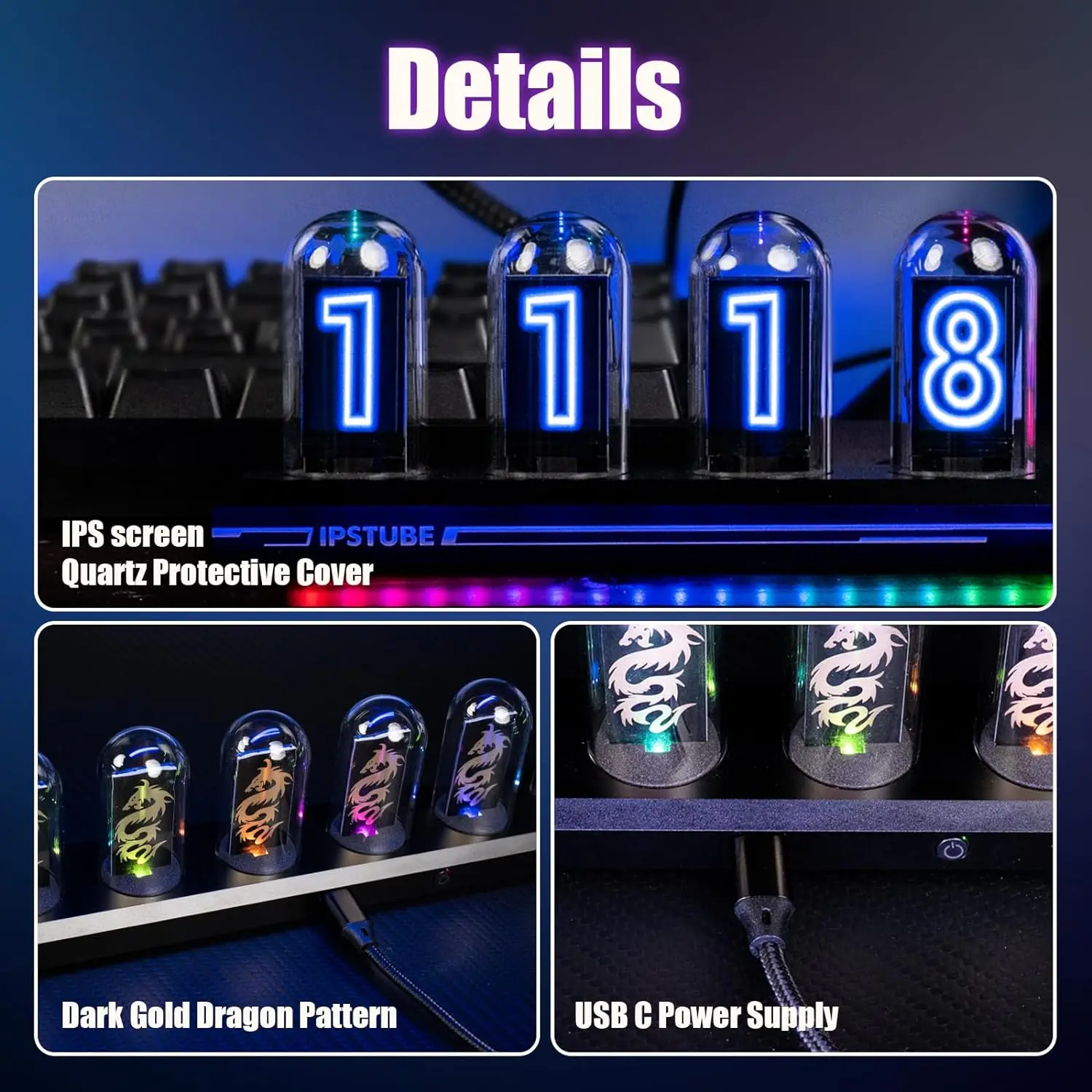
Nipsa【Nixie Tube Clock Simulation】The Vintage IPS Digital Clock simulates the nixie tube clock display and glow. Perfect blend between innovative technology and vintage elements.【Fantastic Display Effect】It comes with 6 LCD screens covered by a delicate glass tube.You can choose from more than 20 display options,and DIY creations(photos,characters,patterns) to customize your display as your wishes.【IPS Tube Clock Support 12/24h Format】IPS Tube clock support to Wi-Fi time calibration and switch between 12 hours to 24 hours setting. A huge library of dial styles is at your disposal, or you can DIY the settings to your liking. NOTE: The tube clock needs to be connected to 2.4G wifi to use, if connected to 5G wifi may lead to connection failureCustomized Photo Album & Drop the L bombThe multimedia album function allows you to change any 10 photos in 3 sets of dials, the photos will change over time, and the dials can be digital or you can upload your own pictures. When you wish to express your love like your favorite person unexpectedly, you can DIY an electronic tube clock as a gift.Login MethodsGuest Mode Login: Select "Try to log in as a guest" to enter the guest mode. After login, click "Device List" to enter Bluetooth pairing.Email Login:Select the email icon at the bottom of the cell phone page and enter your email address to get the login confirmation code. After login, click "Device List" to enter Bluetooth pairing.Switches & Settings1Press and Hold the Switch for 3 Seconds: Turn On/Off.2 Press the Switch Once: You can change the dial setting.3 Press the Switch Twice Consecutively: Turn On/Off the Weather Display.Application Installation & Registration