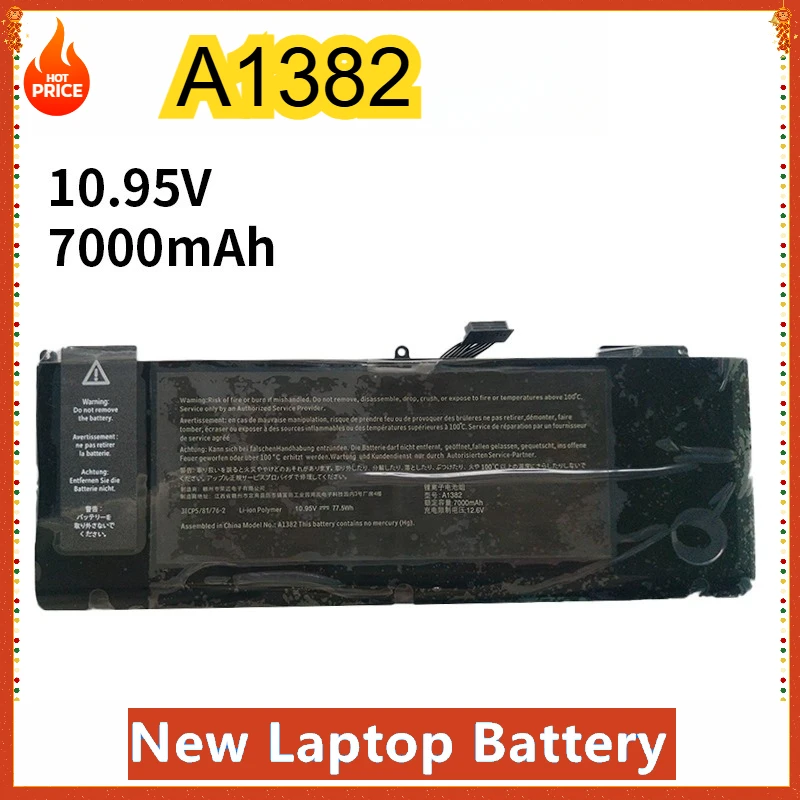
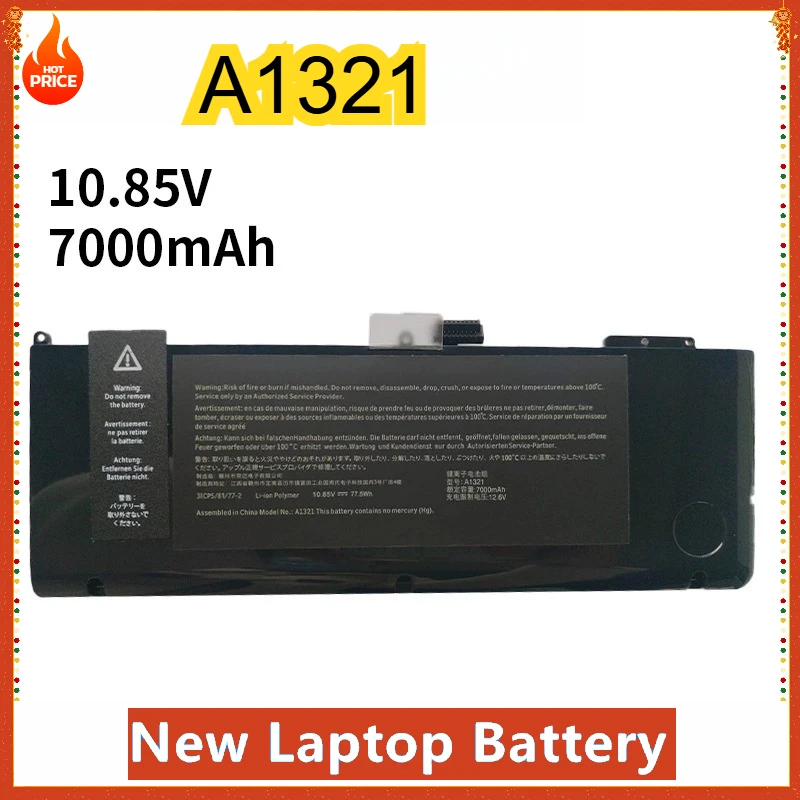
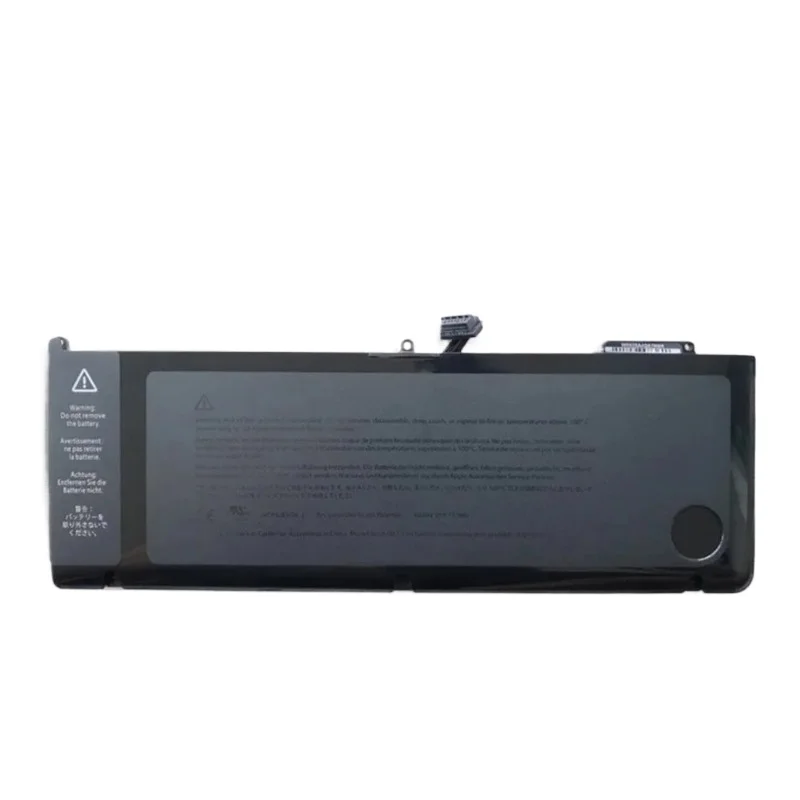
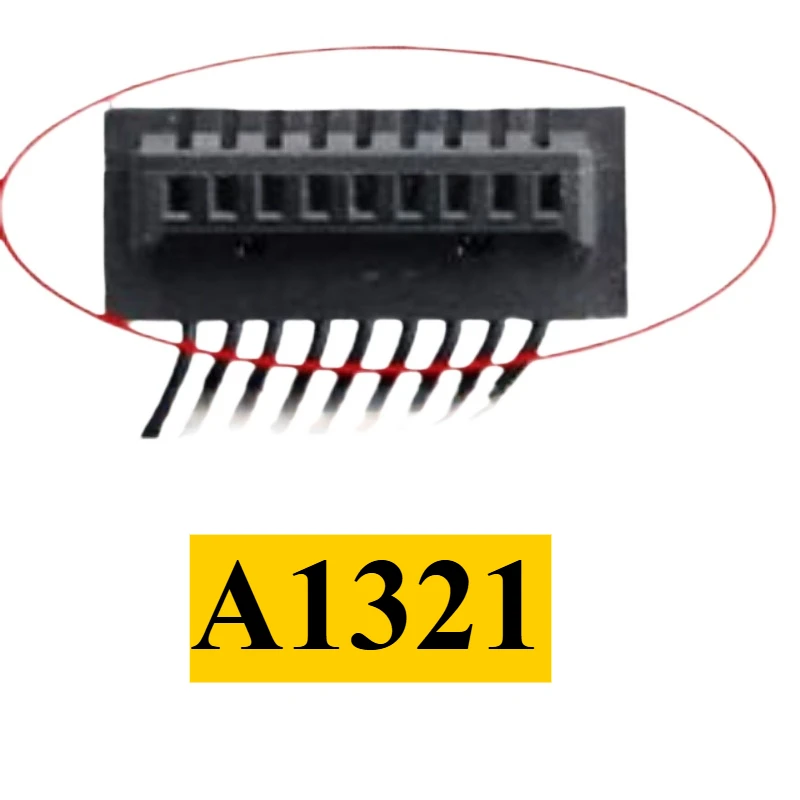
A1382 A1321 Laptop Battery for Apple MacBook Pro 15" A1286 2011 2012 Version MC721 MC723 MC847 MD318 MD322 MD103 MD104
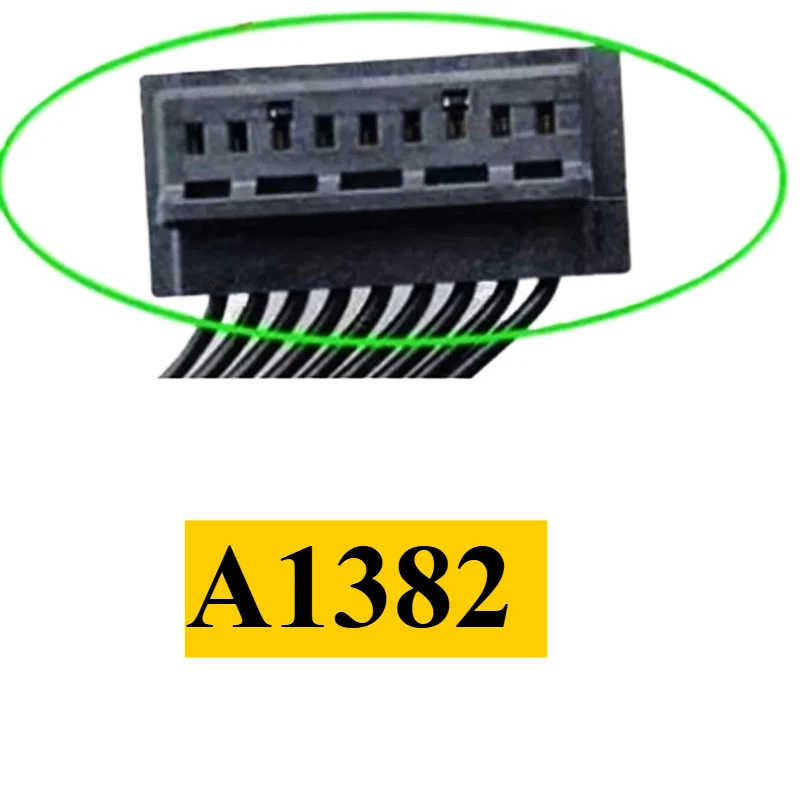
NipsaA1382 A1321 Laptop Battery for Apple MacBook Pro 15" A1286 2011 2012 Version MC721 MC723 MC847 MD318 MD322 MD103 MD104 Replace Part Numbers: A1382 A1321 Compatible Laptop Models: For Apple Macbook Pro 15.4 inch Early 2011 Version (Identifiers: MacBookPro8,2) For Apple MacBook Pro 15.4" 2.0GHz Core i7 (A1286) - Early 2011 (MC721LL/A) For Apple MacBook Pro 15.4" 2.2GHz Core i7 (A1286) - Early 2011 (MC723LL/A) For Apple MacBook Pro 15.4" 2.3GHz Core i7 (A1286) - Early 2011 (MD035LL/A) For Apple Macbook Pro 15.4 inch Late 2011 Version (Identifiers: MacBookPro8,2) For Apple MacBook Pro 15.4" 2.2GHz Core i7 (A1286) - Late 2011 (MD318LL/A) For Apple MacBook Pro 15.4" 2.4GHz Core i7 (A1286) - Late 2011 (MD322LL/A) For Apple MacBook Pro 15.4" 2.5GHz Core i7 (A1286) - Late 2011 (BTO/CTO) For Apple Macbook Pro 15.4 inch Mid 2012 Version (Identifiers: MacBookPro9,1) For Apple MacBook Pro 15.4" 2.3GHz Core i7 (A1286) - Mid 2012 (MD103LL/A) For Apple MacBook Pro 15.4" 2.6GHz Core i7 (A1286) - Mid 2012 (MD104LL/A) For Apple MacBook Pro 15.4" 2.7GHz Core i7 (A1286) - Mid 2012 (BTO/CTO) NOTE: This battery just be used for macbook pro 15 inch early 2011 late 2011 mid 2012, This is a1382 laptop battery macbook pro 15 inch. User Manual for Laptop Battery: 1.When you get the battery, please try to calibrate the new battery. You can recharge new battery for 6-12 hours at the first time,then discharge it up to 5-10%. Please repeat it 2 to 3 times! to fully activate the lithium ion to reach the maximum capacity. 2.When the battery is in normal use, if the battery discharge reaches 5%, it must be shut down recharged. It is strictly forbidden to discharge the battery to 0%, because it is easy to damage and accelerate the deterioration of the battery. 3.For a long time without the use of batteries need to charge to more than 70% of the preservation, storage time is best not more than 3 months. 4.Avoid artificial squeezing, disassembly, falling, heating or short circuit. 5.To use special equipment to charge. 6.Try to avoid using the battery in an environment where the temperature is too high or too low. 7.The computer does not recognize the battery, the battery connector may be in bad contact with the computer socket. At this time it is necessary to check if the copper battery connector is exposed. 8. If the battery cannot be charged normally, it is not necessarily the fault of the battery. Motherboard, power adapter, system, ambient temperature, etc., will affect the battery to not work properly.