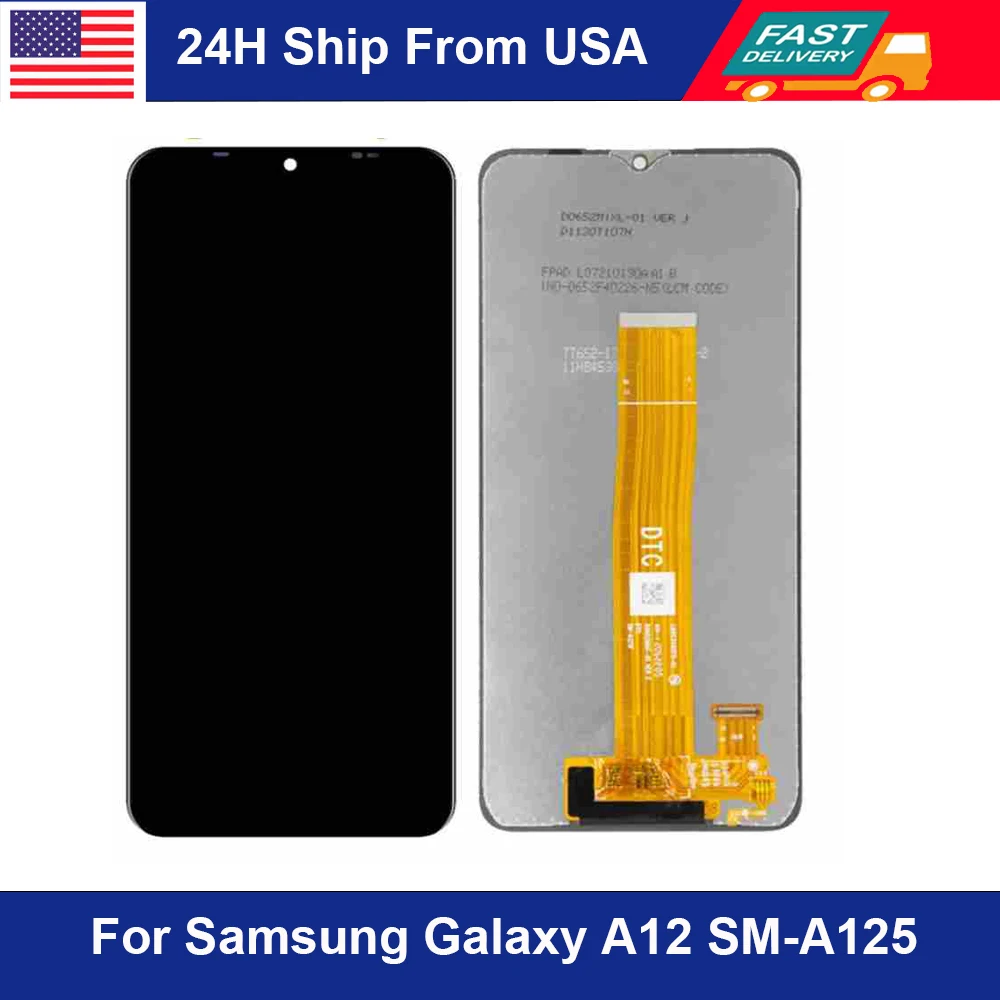
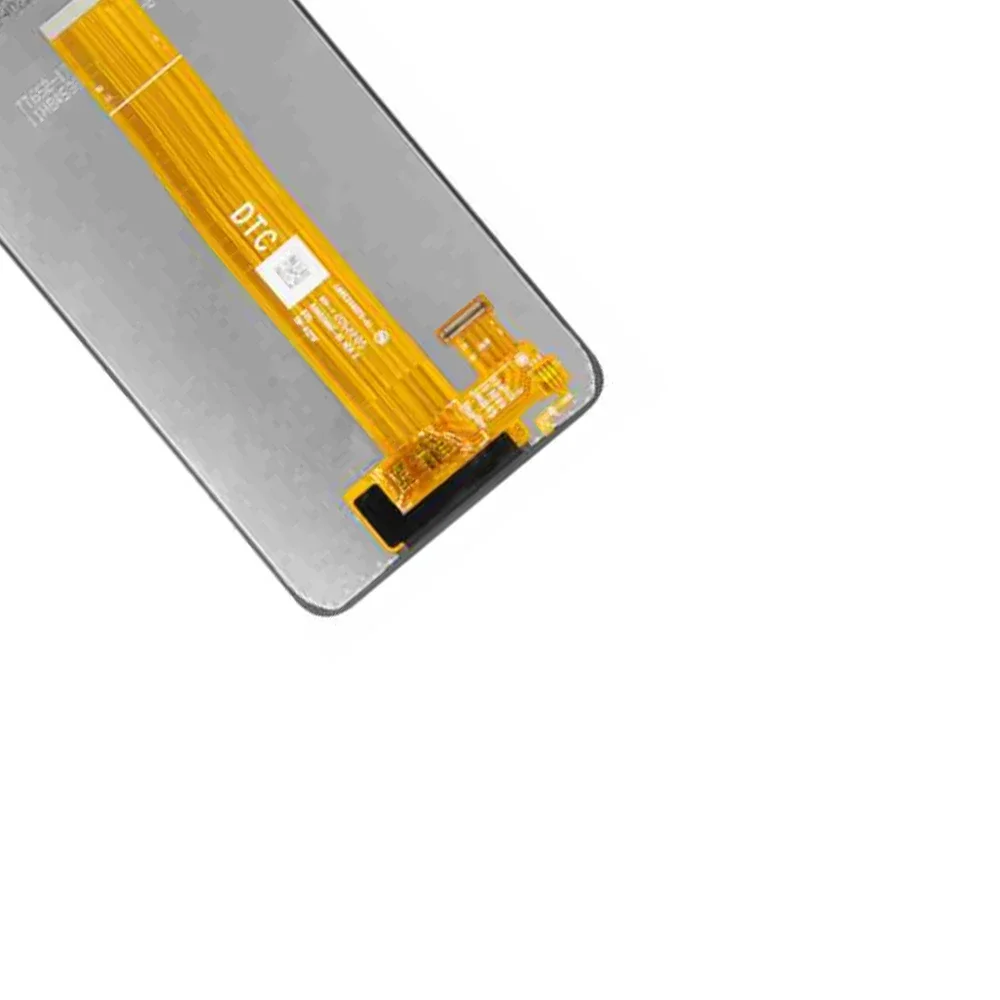
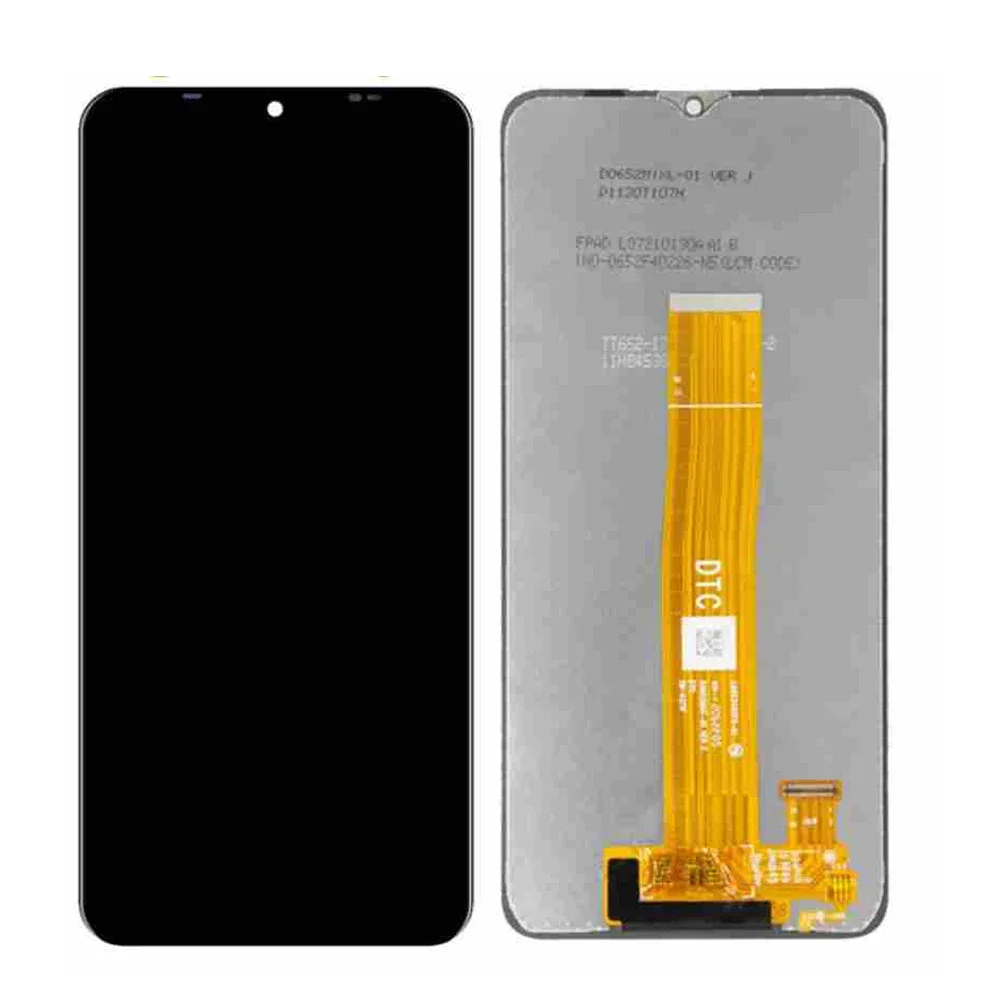
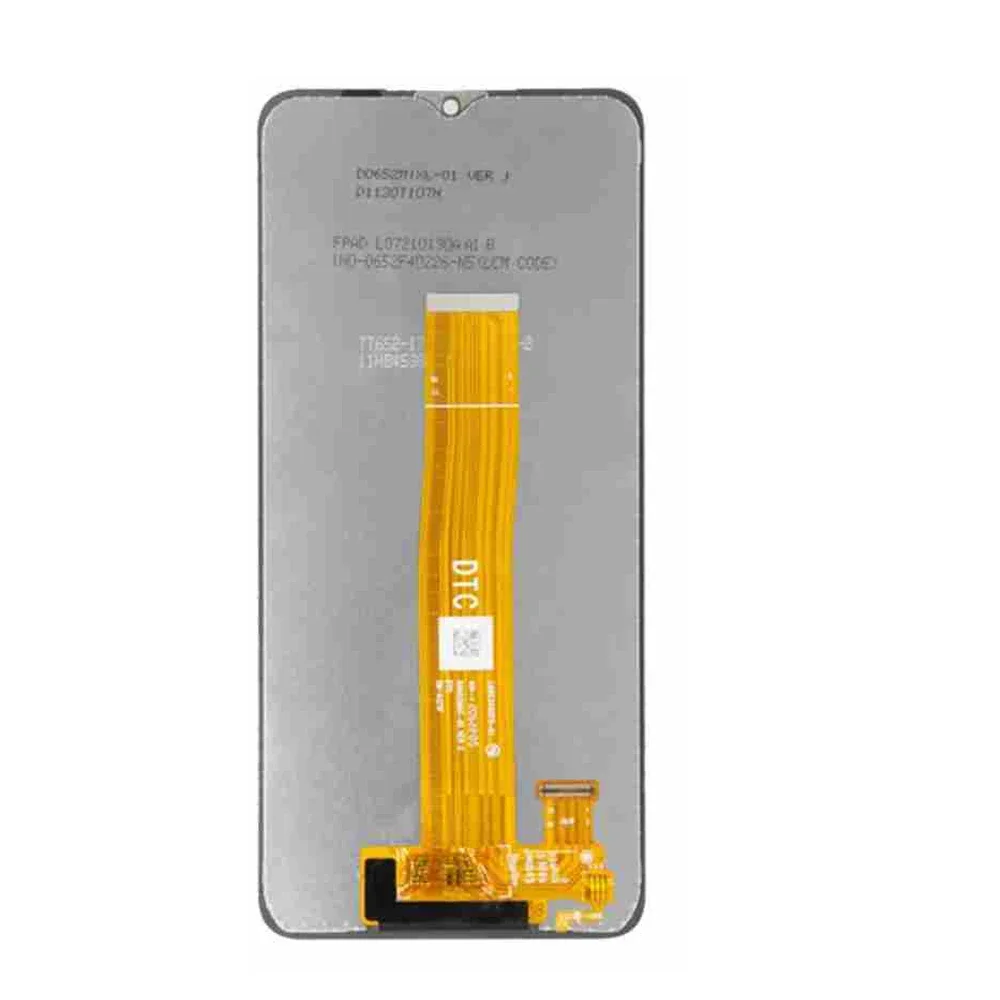
For Samsung Galaxy A12 LCD A125F SM-A125F A125 Display Touch Screen Digitizer For Samsung A12 A125U Replacement
Nipsamodname=ckeditor Feature: 1. 100% Brand New And High Quality 2. Tested Before Shipment,No Any Dark Spots.Color Point,Deal Pixels 3. Replacing Old,Cracked,Damaged LCD Display Touch Screen Digitizer Assembly Packing List: 1 x Screen Replacement Warm Tips 1.Make sure your phone is power off first before installation. 2.Prepare a heat gun, or a hair dryer and heat up the edge of the phone before you begin slicing. 3.Mark each screw. Your screen might be broken if you put the screw in a wrong hole. 4.Use tweezers and spudger to remove sticker or display cable bracket. 5.Be careful with metal tools to avoid scratching the screen. 6.If your phone won't turn on after replacing the screen, there is a chance that the phone has silently turned on when the battery is re-connected. Hold the power button for a few seconds until the phone vibrates off. Afterwards, re-connect the screen, and try again.